
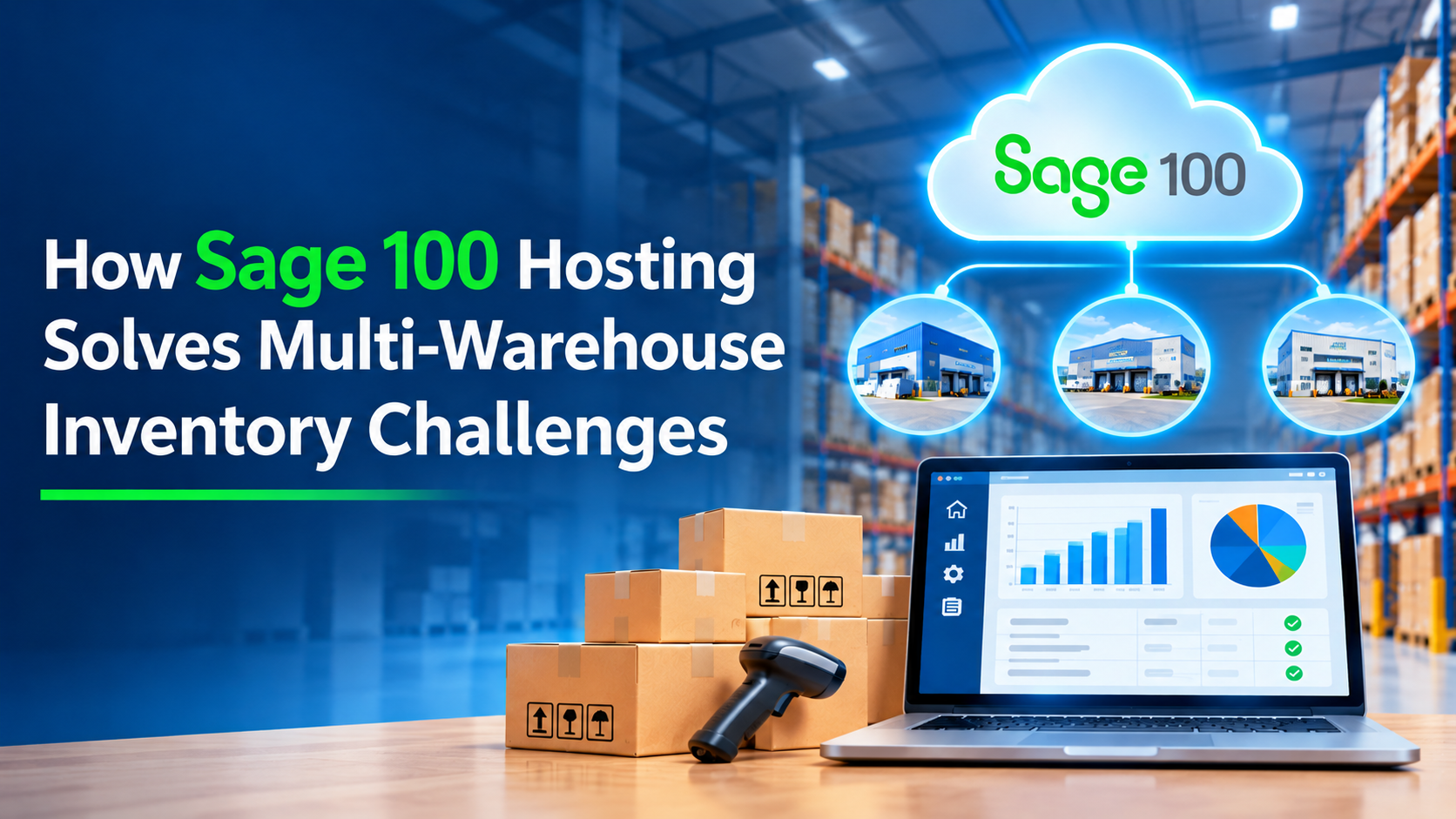
Managing inventory across multiple warehouses can quickly become complicated for growing businesses. When stock is stored in different locations, keeping track of product quantities, monitoring transfers, managing orders, and maintaining accurate inventory records requires a well-organized system. Even a small communication gap between warehouses can lead to stock discrepancies, delayed shipments, and unnecessary operational costs.
For businesses using Sage 100 ERP, moving to a cloud-based environment can make multi-warehouse inventory management more efficient. Sage 100 hosting allows businesses to access their ERP system through a centralized cloud infrastructure, helping teams manage inventory operations, collaborate across locations, and make informed business decisions.
Instead of relying on disconnected systems or manually sharing inventory reports, businesses can work with consistent data and streamline their warehouse operations.
The Multi-Warehouse Inventory Problem
Managing stock in one location is manageable. Managing it across many locations introduces problems that grow with every site you add:
- Delayed visibility: Teams in different warehouses see different numbers at different times.
- Overselling and stockouts: An order is accepted for stock that is already committed or sitting in another location.
- Slow transfers: Moving stock between warehouses is not recorded promptly, so counts drift.
- Duplicate or conflicting data: Branches keep their own spreadsheets or local copies to work around slow access.
- Inaccurate purchasing: Reorder decisions are made on incomplete data, leading to excess stock in one place and shortages in another.
Why On-Premises Sage 100 Struggles Across Multiple Sites
Sage 100 is an ERP solution used for financials, budgeting and planning, inventory, supply chain, production management, reporting, and CRM. It is a capable system, but when it runs on a server in a single office, remote warehouses often connect through VPNs or slow links. That leads to: Laggy screens during order entry and receiving
- Connection drops that interrupt transactions
- Dependence on one local server and one IT person
- Hardware and upgrade costs that grow with every new location
The software is not the problem. The infrastructure around it is.
How Sage 100 Hosting Streamlines Inventory Management
With cloud hosting, Sage 100 runs on a secure remote server, and your team connects to it from any location. Nothing about how Sage works changes, but everyone now works from the same live environment.
1. Centralized Inventory Management Across Warehouses
Maintaining consistent inventory records across multiple warehouses is essential for accurate purchasing, order fulfillment, and stock planning. When teams work with separate spreadsheets or disconnected systems, inventory information can quickly become inconsistent.
A hosted Sage 100 environment allows authorized users to access the same ERP data from different locations. When inventory transactions are recorded, teams can work with updated information within the system, depending on transaction processing and synchronization.
This helps businesses reduce duplicate data entry, improve inventory coordination, and make better stock allocation decisions across warehouses.
2. Faster, More Reliable Access from Any Site
Warehouse employees, sales representatives, purchasing teams, and managers may need to access Sage 100 from different locations throughout the day. Connecting each site to a locally maintained server can create performance and connectivity challenges.
Sage 100 cloud hosting allows users to access the ERP system from their office, warehouse, home, or other authorized locations. With properly configured cloud infrastructure and reliable internet connectivity, businesses can provide a consistent working environment across multiple sites.
This makes it easier for employees to process orders, review inventory records, manage purchasing activities, and coordinate warehouse operations without depending on a server at a single physical location.
3. Smoother Inter-Warehouse Transfers
Moving products between warehouses requires accurate documentation of inventory movements. When transfer records are delayed or maintained manually, businesses may struggle to determine which warehouse has available stock and where inventory is currently located.
With Sage 100 hosted centrally, teams across different locations can access the ERP system to record and review inventory transactions, including warehouse transfers supported by their Sage 100 configuration.
This helps inventory managers coordinate stock movement, maintain better records, and plan transfers based on available inventory information.
4. Stronger Security and Automatic Backups
Inventory records, purchasing data, customer orders, and financial information are important business assets. Protecting this information requires appropriate security configurations, access controls, and backup procedures. Hosted environments typically include encryption, firewalls, access controls, and scheduled backups, which protect against hardware failure, ransomware, and accidental deletion. That is a level of protection many small and mid-sized businesses struggle to maintain on their own.
5. Easy Scalability
Expanding warehouse operations often requires additional employees, infrastructure, network resources, and systems to support inventory management. Maintaining a separate server or upgrading office infrastructure for every new location can increase costs and administrative effort.
Cloud-hosted Sage 100 allows businesses to expand access to their existing ERP environment by adding users and adjusting hosting resources as required. New warehouse teams can connect to the centrally hosted system without having to deploy a separate ERP server at each site.
This flexibility makes it easier to support new locations, additional employees, and changing operational requirements.
6. Lower IT Costs and Less Maintenance
Managing ERP infrastructure internally requires businesses to maintain servers, monitor system performance, apply updates, troubleshoot issues, and manage backup processes. These responsibilities can consume time and resources, particularly for companies operating across several warehouse locations.
With Sage 100 hosting, infrastructure management responsibilities can be handled by a hosting provider, depending on the service agreement. Businesses can reduce their reliance on maintaining physical servers at individual locations while gaining access to managed infrastructure and technical support.
This can help reduce infrastructure maintenance efforts, simplify IT operations, and allow employees to focus on inventory management and other business activities.
Why Choose Cloud Hosting Instead of On-Premises Sage 100?
| Factor | On-Premises Sage 100 | Cloud-Hosted Sage 100 |
| Upfront cost | Servers, networking, and licenses bought in advance | Low entry cost with a predictable monthly fee |
| Ongoing IT burden | In-house IT handles patches, upgrades, and troubleshooting | Provider manages infrastructure, updates, and uptime |
| Multi-site access | VPNs or slow links to a single office server | Secure access from any location with an internet connection |
| Inventory visibility | Remote sites may see delayed or inconsistent data | All warehouses work from the same live data |
| Performance | Depends on one local server and office bandwidth | Dedicated resources and SSD storage in a data center |
| Security | Protection depends on your in-house setup and budget | Encryption, firewalls, and access controls typically included |
| Backups and recovery | Manual or ad hoc, with risk of data loss from local failure | Scheduled backups and disaster recovery options |
| Scalability | New site often means new hardware and network changes | Add users and resources as you grow |
| Remote and mobile work | Limited without VPN setup | Work from office, warehouse floor, or home |
| Downtime risk | Single point of failure at one office | Provider-managed redundancy and monitoring |
| Support | Depends on your internal team’s availability | 24/7 support from the hosting provider, depending on plan |
What to Look for in a Hosting Provider
When comparing options for Sage 100 hosting, check these points before you commit:
- Edition support: Confirm the provider supports your edition and version.
- Licensing: Check whether you can bring your own Sage license.
- Performance: Look for dedicated resources and SSD storage rather than overcrowded shared servers.
- Security and compliance: Ask about encryption, backups, and data center certifications.
- Support: Choose a provider with responsive 24/7 support from people who understand Sage.
- Migration help: A good provider helps move your data and users with minimal downtime.
Conclusion
Multi-warehouse inventory problems rarely come from the software itself. They come from slow access, scattered data, and infrastructure that doesn’t keep up as the business grows. Moving to Sage 100 hosting gives every location real-time access to the same data, stronger security, dependable backups, and room to add sites without rebuilding your IT setup.
If you want a reliable partner for this move, Apps4Rent offers secure, high-performance Sage 100 hosting with 24/7 support, data backups, and flexible plans that grow with your business.
Frequently Asked Questions (FAQs)
Sage 100 hosting means running your Sage 100 ERP on a provider’s cloud servers instead of on-premises hardware. You access it securely over the internet from any location or device.
Yes. Sage 100 supports multiple warehouse codes, inter-warehouse transfers, and location-wise stock tracking. Hosting makes these features easier to use across different sites.
Yes. Reputable hosts use encryption, firewalls, multi-factor authentication, and regular backups to protect your data, often at a higher level than a small business can manage on its own.
You avoid buying and maintaining servers, and you cut IT staff time spent on updates and backups. A subscription model also lets you add users or warehouses without large upfront spending.
Yes. Hosted environments work with barcode scanners, handheld devices, and remote desktop access, allowing warehouse teams to update inventory in real time.